'/%3E%3Cpath%20fill='%23b2b2b2'%20d='M241%20382q0%2016%2017%2026%2017%2011%2042%2011t42-11q16-11%2017-26V269H241'/%3E%3Cpath%20fill='%239f7e00'%20d='M241%20379q0%2014%208%2023%209%209%2021%209%2014%200%2021-9%209-9%209-23V269h-59'/%3E%3Cpath%20d='M241%20339v-70h59v110q0%2014-9%2023l-6%205v-68h-15v72q-8%200-14-4v-68zm59%2040c0%2022%2015%2032%2029%2032%2021%200%2030-18%2030-32v-40h-59'/%3E%3Cpath%20fill='%239f7e00'%20d='M266%20277v5h2v12h-3v-5h2v-5h-9v5h2v5h-4v9h3v18h-5v10h34v-10h-5v-18h3v-9h-4v-5h2v-5h-9v5h2v5h-3v-12h2v-5zm42%20101q0%2010%206%2017%206%206%2015%207%2010-1%2016-7%206-7%206-17v-29h-43'/%3E%3Ccircle%20fill='%230044ad'%20cx='329.5'%20cy='372'%20r='6'/%3E%3Cellipse%20fill='%230044ad'%20cx='300'%20cy='340'%20rx='16'%20ry='21'/%3E%3C/svg%3E)

A New Source of Inspiration for Art Classes and Creative Projects
When developing new drawing ideas, a similar problem often arises: it’s not that students lack motivation or interest, but rather that they need a small starting point to kickstart the creative process. It was precisely this idea that led to the creation of the new source of inspiration.
💡 https://zeichnen-lernen.net/ideen-impulsgeber-en.html
Creative inspiration instead of complete assignments
Many well-known idea generators work with ready-made themes or complete assignments. While this can be helpful, it often results in a large part of the creative decision-making process already being predetermined.
The Idea Generator deliberately takes a different approach:
Instead of providing complete assignments, it suggests only individual key points. These might include, for example, a character, a location, a mood, or an object.
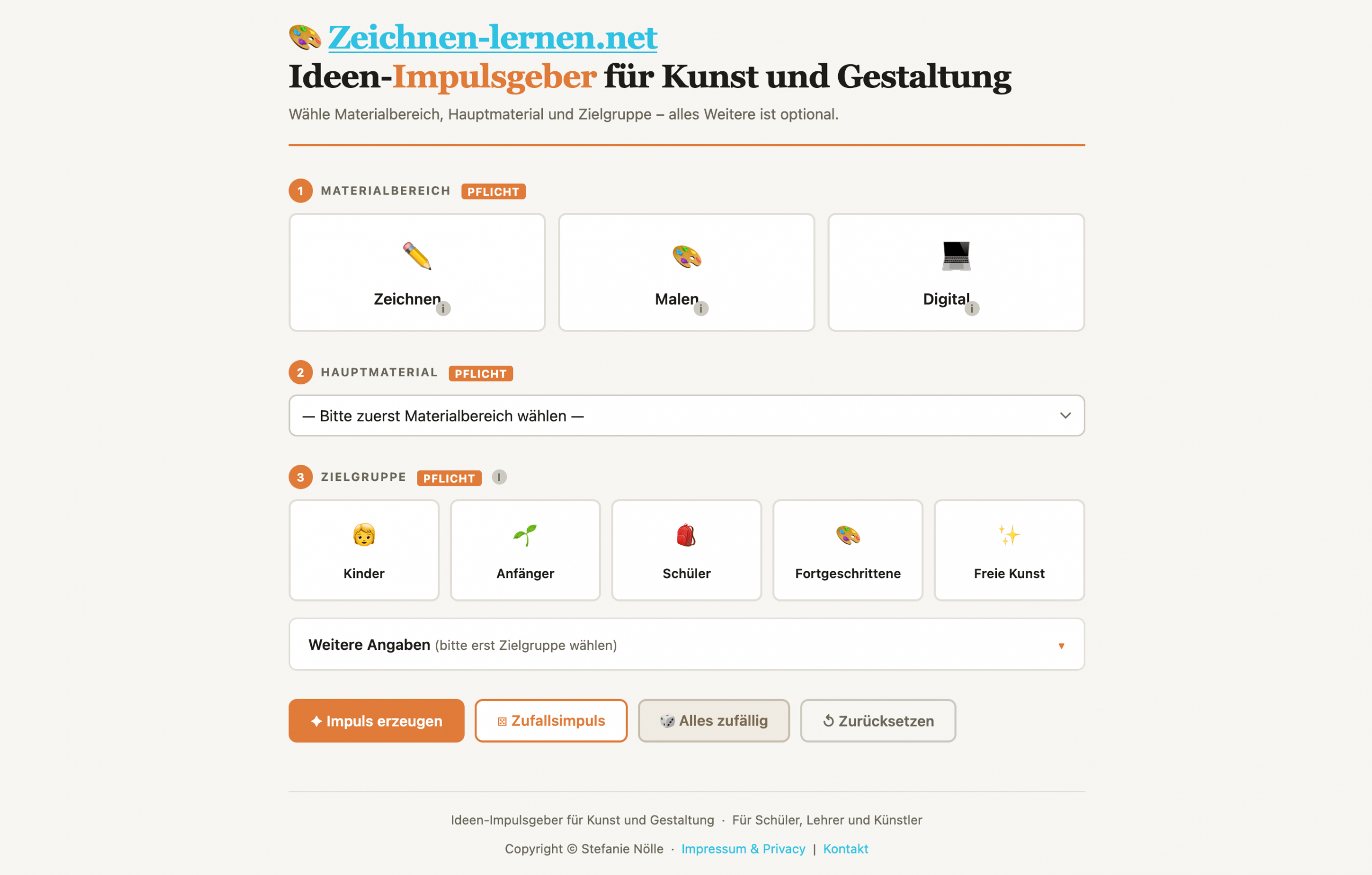
These elements serve solely as a starting point. The actual image concept, composition, and design continue to emerge entirely from your own creative process.
The individual categories can be flexibly selected or deselected. This allows the tool to be adapted to different needs and target groups.
Use in art classes and creative practice
During development, consideration was given to ensuring that the tool is also usable by teachers. The idea generator is therefore equally suitable for use in art classes.
In a school setting, two challenges often arise:
Either assignments are highly prestructured or formulated so broadly that it is difficult to get started. The tool can serve as a mediating tool in this context.
For hobby artists, illustrators, and creative processes
In addition to educational use, the tool is also aimed at all (amateur) artists. Whether drawing, illustration, or free artistic work, the approach remains the same: A minimal impulse is enough to spark your own ideas.
The tool is therefore suitable both for quick exercises in between tasks and for getting started on larger creative projects.
Addition to existing online tools
The new idea generator expands the existing existing tools on Zeichnen-Lernen.net.
Until now, these have primarily focused on technical or design aids such as materials, grids, or color inspiration.
The new tool adds a component that directly addresses the idea-generation phase, thereby supporting the initial creative process.
h2>How it works
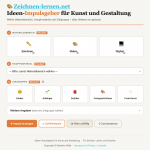
The Idea Generator helps you quickly find a creative project for drawing, painting, or digital design. You decide exactly how specific the prompt should be.
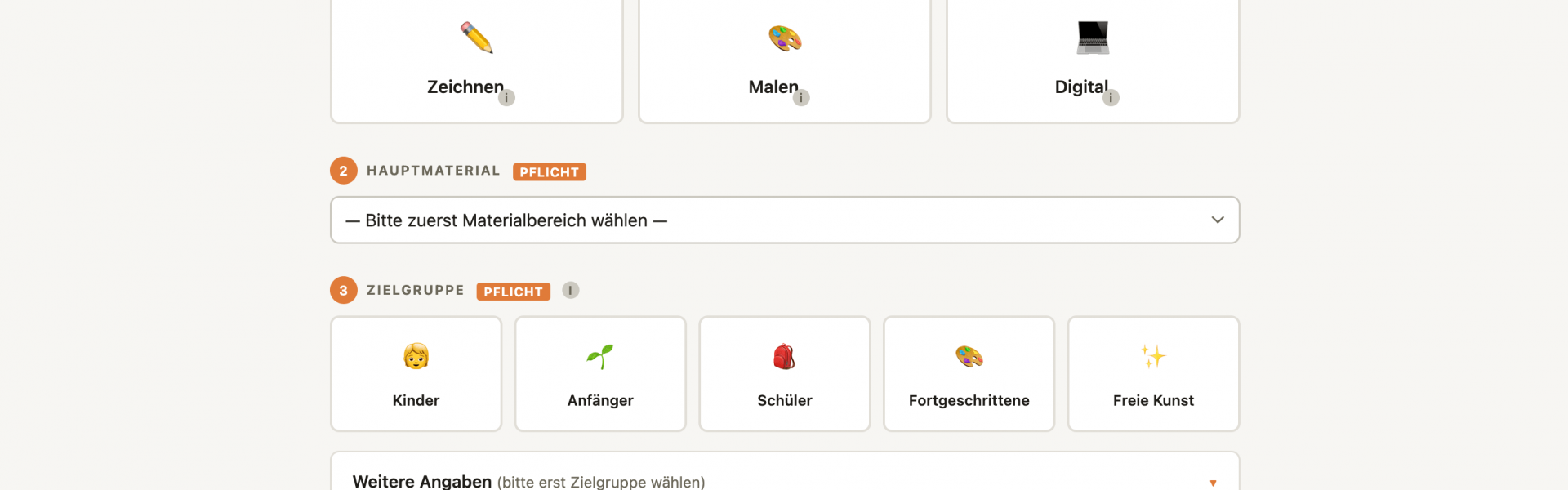
- First, select the material category
Choose between drawing, painting, or digital. This will suggest suitable materials. - Select the main material
Optional: Choose a material from the list, such as pencil, watercolor, or digital drawing.
If you select “any,” the material will be chosen randomly for you. - Select the target audience
The target audience determines how simple, open-ended, or challenging the creative prompt is designed to be. - Add additional details
Optional: You can fill out additional fields, such as theme, format, background, color scheme, timeframe, or specific requirements.
For many fields, you have three options:
“Any” means: The tool selects something at random.
“None” means: This specification is not taken into account.
A specific selection means: Exactly this point is incorporated into the prompt. - Generate your creative prompt
Click on “Generate prompt” if you want your selection to be used.
With “Random Inspiration,” suitable additions are selected at random.
With “Everything Random,” the tool handles the entire selection for you. - The Result
In the end, you’ll receive a finished image idea with materials, a motif, and design specifications.
You can copy the inspiration or save it as a PDF.