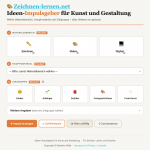

I’ve created four new tools for learning to draw, designed to assist you in analyzing and working with reference images in a targeted way. They help you better understand composition, colors, proportions, and the appearance of materials, and put this knowledge into practice right away. Here, I’ll introduce each tool in more detail and explain exactly how to use them.
Online tools for learning to draw
My online drawing tools provide you with direct support when you want to analyze drawings or improve your technique. Everything runs directly in your browser and requires no installation.
In the Color Lab, you can specifically examine colors and contrasts and develop suitable combinations.
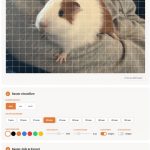
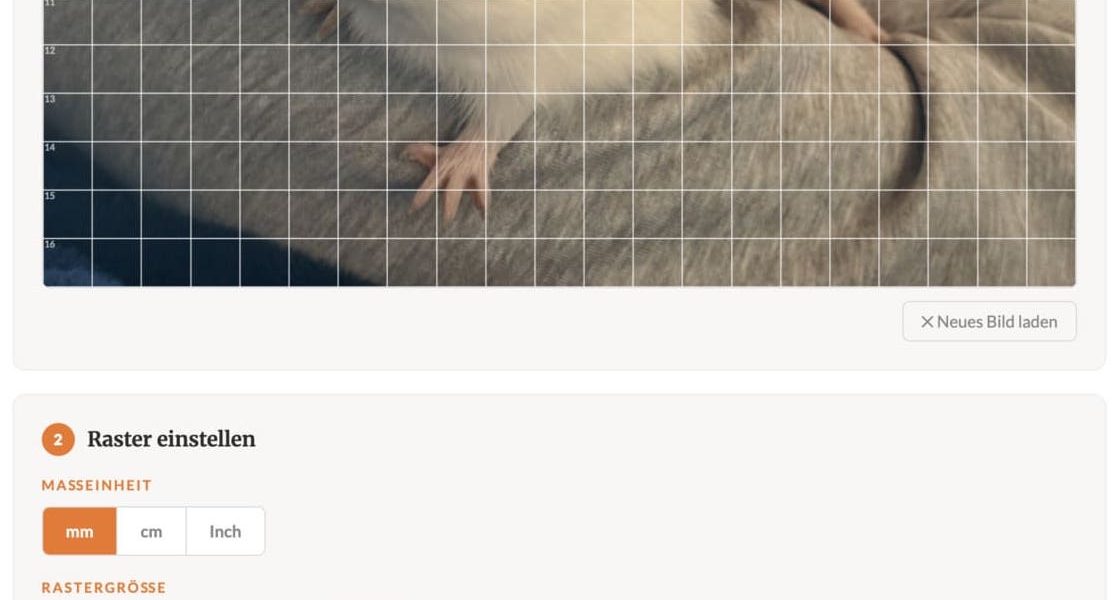
The Grid Lab helps you apply freely adjustable grids to templates so you can accurately transfer proportions.
In the Material Lab, you can compare different drawing and painting materials and discover which colors are suitable for specific areas of an image or mix well together.
This is complemented by the Motif Finder and the Perspective Tool. These allow you to better capture image sections, hide distracting areas, and simultaneously incorporate vanishing points and guide lines directly into the image. This makes the image composition and spatial effect clearer.
Color Lab
In the color lab, you can view colors directly within an image context. Check contrasts, test color combinations, and quickly get a feel for which shades work well together. Especially when you’re unsure about a color choice, this tool helps you find a harmonious direction.
💡 Color Analysis & Contrast Tool
Grid Lab
With the Grid Tool, you can overlay a customizable grid onto your template to accurately transfer proportions. You can freely adjust the size, color, line weight, and opacity, and then download the gridded template. This is especially helpful for more complex designs where precision is key.
Material Lab
In the materials lab, you’ll compare different drawing and painting materials and closely examine their color effects. This will help you determine which colors from your materials are suitable for specific areas of the picture or how they can be combined. This provides a solid foundation for making informed choices about materials.
💡 Color Mixing by Material Tool
Composition Finder and Perspective Tool
With the Composition Finder, you can focus on the right frame and exclude unimportant areas. In the Perspective Tool, you can also add vanishing points and guide lines directly to the image to better understand and capture spatial structures. This makes the composition of a scene clearer and the perspective more tangible.